Answers · Claude Code
Update Claude Code: the one command, per install
The short answer
To update Claude Code manually, run claude update in your terminal. It'll tell you either the version it just installed or that you're already current.
Honestly though, most people never need to run it, because the native install updates itself in the background: it checks when you start it and periodically while it runs, and the new version kicks in the next time you launch. The exceptions are package-manager installs like Homebrew and npm, which follow their own upgrade commands.
Run claude --version any time to see what you're on, and claude doctor to see what the last update attempt actually did. All commands verified against Anthropic's setup docs on 2026-08-06.
This is one of those questions where the answer is shorter than the search that got you here: it probably already updated itself. But let’s cover the cases where it didn’t.
Which command matches your install?
The right manual command depends on how Claude Code got onto your machine in the first place (setup docs):
| You installed with | Update command | Auto-updates? |
|---|---|---|
| The install script (native) | claude update | Yes, in the background |
| Homebrew | brew upgrade claude-code | No, by default |
| WinGet | winget upgrade Anthropic.ClaudeCode | No, by default |
| npm | npm install -g @anthropic-ai/claude-code@latest | Only if the global directory is writable |
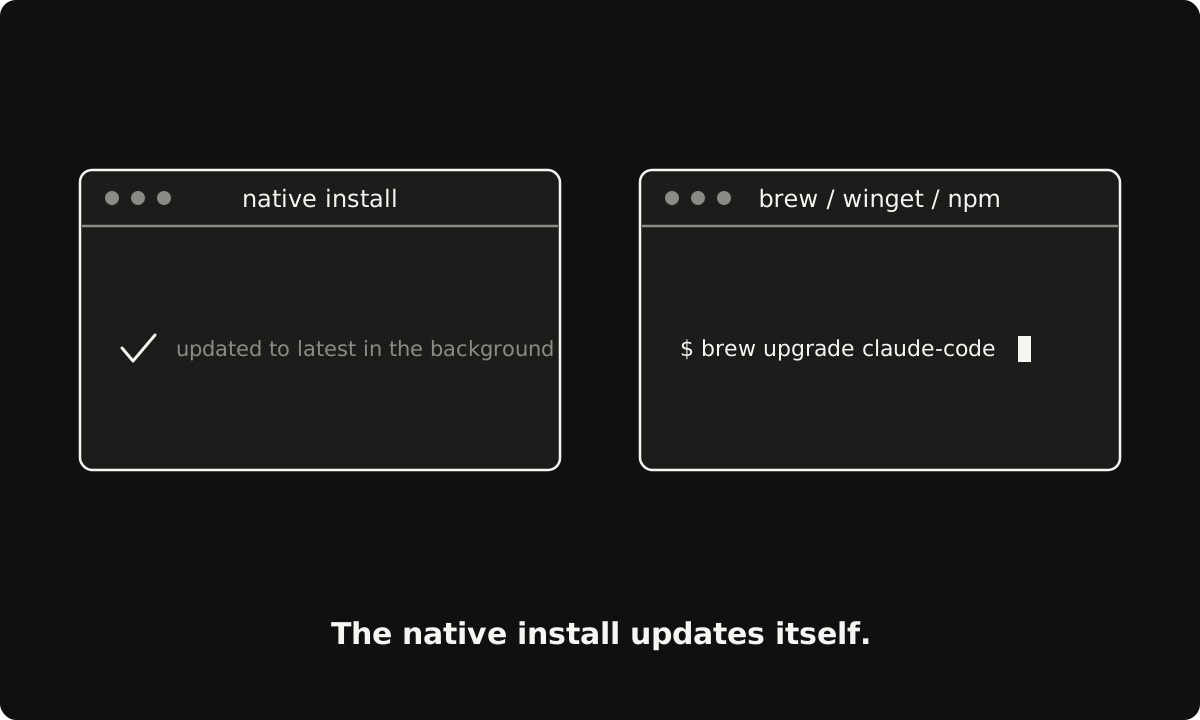
One npm trap I want to name specifically, because it burns people: don’t use npm update -g. It respects the version range from your original install and can quietly leave you on an old release while telling you nothing. The @latest command in the table always moves you forward.
Why is my version behind on purpose?
Because Claude Code ships on two release channels, and you might be on the careful one.
The default channel, latest, gets new features the moment they ship. The stable channel runs about a week behind and skips releases with major regressions (release channels). So before you assume something’s broken, check /config under Auto-update channel.
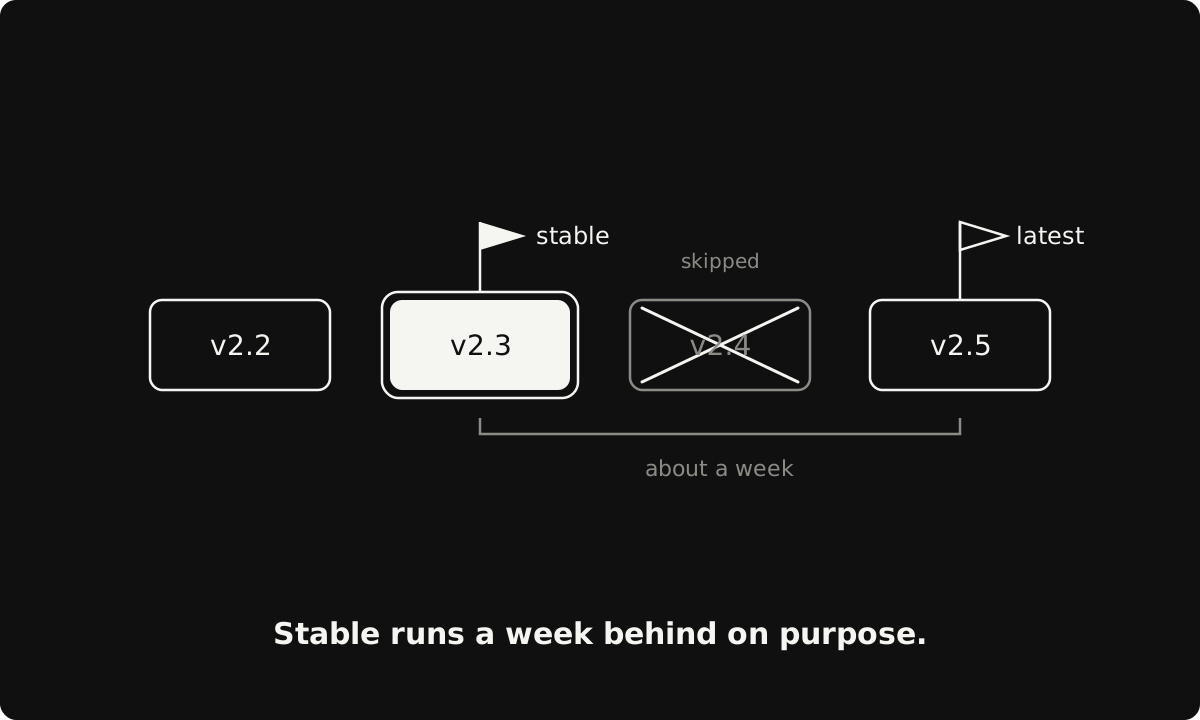
(Homebrew picks the channel by cask name instead: claude-code tracks stable, claude-code@latest tracks latest. Naming things is hard.)
Can you turn updates off?
Yes. Set DISABLE_AUTOUPDATER to "1" in the env block of your settings.json and the background check stops (disable auto-updates). claude update still works, so you choose the moment yourself. Teams that ship their own builds can block every update path with DISABLE_UPDATES instead.
And if an update ever leaves things feeling weird? Run claude doctor. It prints install diagnostics without starting a session, including exactly what the last update attempt did. Verify before you assume.
Subscribe to being AI native
Join the hundreds of ambitious minds who kickstart their day with the AI world's weirdest, wildest stories and insights.
No recycled headlines. No BS. Just a fun, quick read.