Answers · Choosing your AI tools
ChatGPT projects: what they are and when to use one
The short answer
ChatGPT projects are folders with a memory, and that's honestly the whole pitch. A project groups related conversations in one place, along with the files you upload to it and instructions that only apply inside it. So every chat in the project starts already knowing the context instead of starting from zero.
That fixes the actual daily annoyance, which is re-explaining your business, your voice, or your source material at the top of every new conversation.
Create one per ongoing area of work, a client, a launch, a newsletter. Load the reference files once, write the standing instructions once, and the tenth chat is as informed as the first. OpenAI's help center carries the current plan availability and limits.
You know that thing where you start a new chat and spend the first three messages re-explaining who you are, what you’re working on, and how you want things formatted? Projects exist to kill that.
OpenAI’s help center carries the current plan availability and limits.
What belongs in the instructions?
The same things you catch yourself typing twice. Who the work is for. The format you want back. The rules the output keeps breaking anyway.
Project instructions beat pasting a briefing into each chat for two reasons: they apply automatically, and they apply only here. Your newsletter project can demand short punchy paragraphs while your contracts project demands caution and citations, and neither leaks into the other.
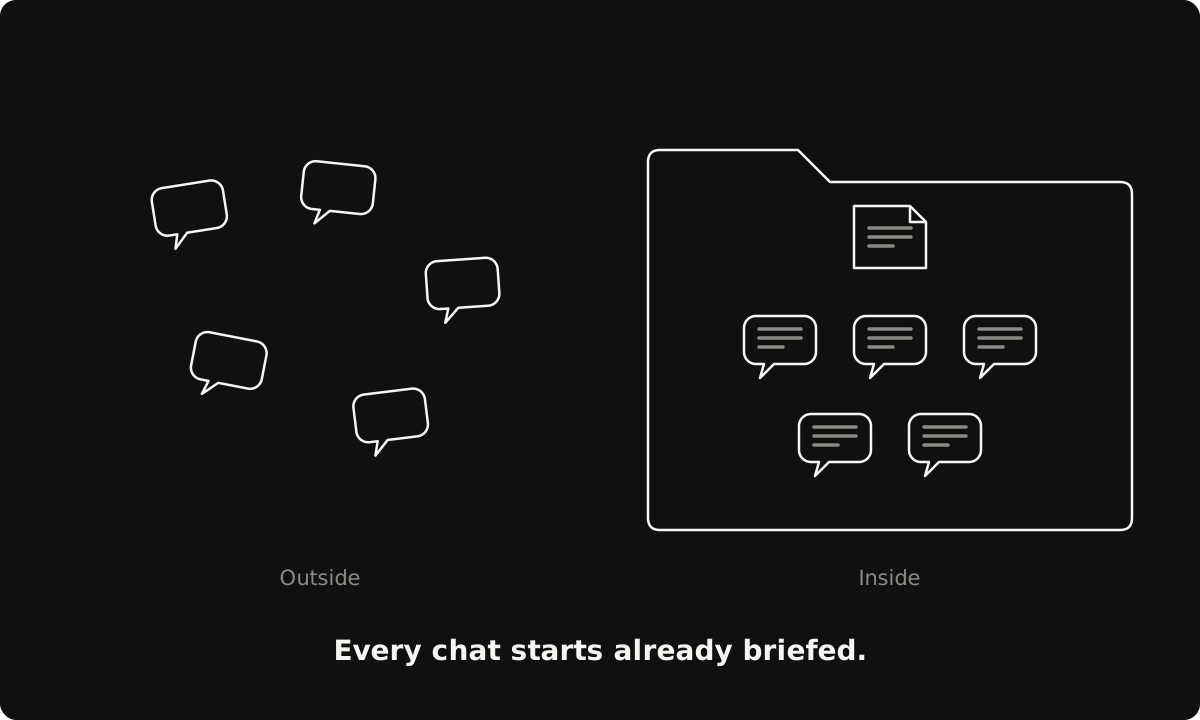
Notice the pattern here? It’s everywhere in AI tooling right now, from ChatGPT projects to Claude Code’s CLAUDE.md file: write the context down once, in the place the tool reads automatically, and stop paying the re-explaining tax.
Where do projects stop?
A project organizes conversations. That’s the job, and that’s the whole job.
It doesn’t act on your machine, run commands, or touch files beyond the ones you upload into it. The moment your ask shifts from “help me think and write with this context” to “go do this across my actual files and tools,” you’ve left projects territory and entered agent territory. Different tool class, different trust model. (I compared two of those agents in the Cowork vs Code answer.)
The five-minute test
Here’s how to find out if projects are worth it for you:
- Pick the topic you’ve restarted most often this month and make it a project.
- Upload the three documents you always end up describing from memory.
- Write five lines of instructions and run your next real conversation inside it.
If the first response already sounds briefed? That was the tax you’d been paying by hand.
Subscribe to being AI native
Join the hundreds of ambitious minds who kickstart their day with the AI world's weirdest, wildest stories and insights.
No recycled headlines. No BS. Just a fun, quick read.