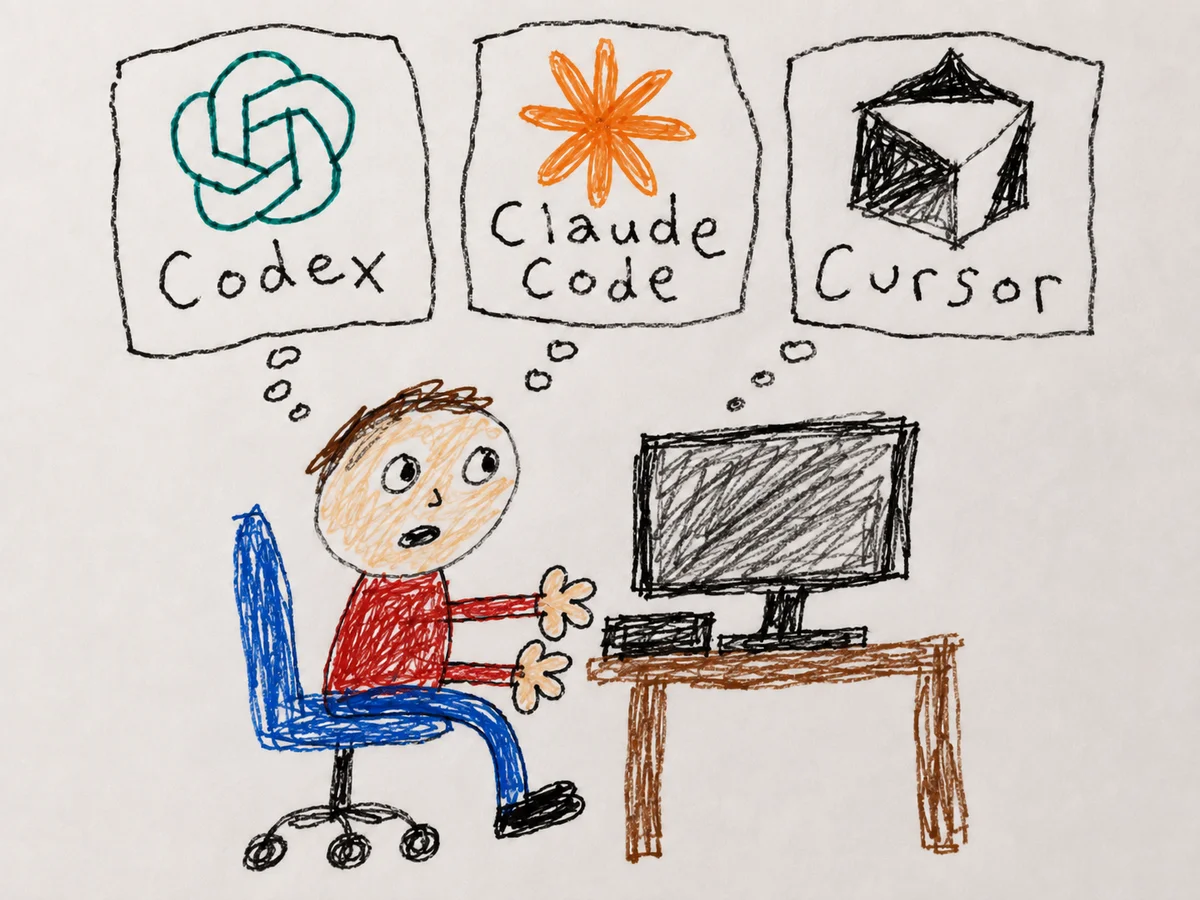
AI coding tools · Guide
Codex vs Claude Code vs Cursor: the one I actually use
Three AI coding agents compared: how to pick by how much you want to delegate, what each costs to start, and the config wall nobody warns you about.

You’ll have to forgive the clickbait headline, but this truth would have shocked me six months ago. I’ve been testing these AI agent harnesses for about a year now.
Essentially, what that means is that the AI tool is actively being controlled or moderated by an application or backend system.
You can think about them like cars. Are there going to be objectively better cars than other ones? Sure. Some will be fancier, some will be more expensive, some will be maybe less pretty but more reliable.
And there are new ones coming out all the time, such as this one called opencode, which I haven’t even gotten the chance to test yet.
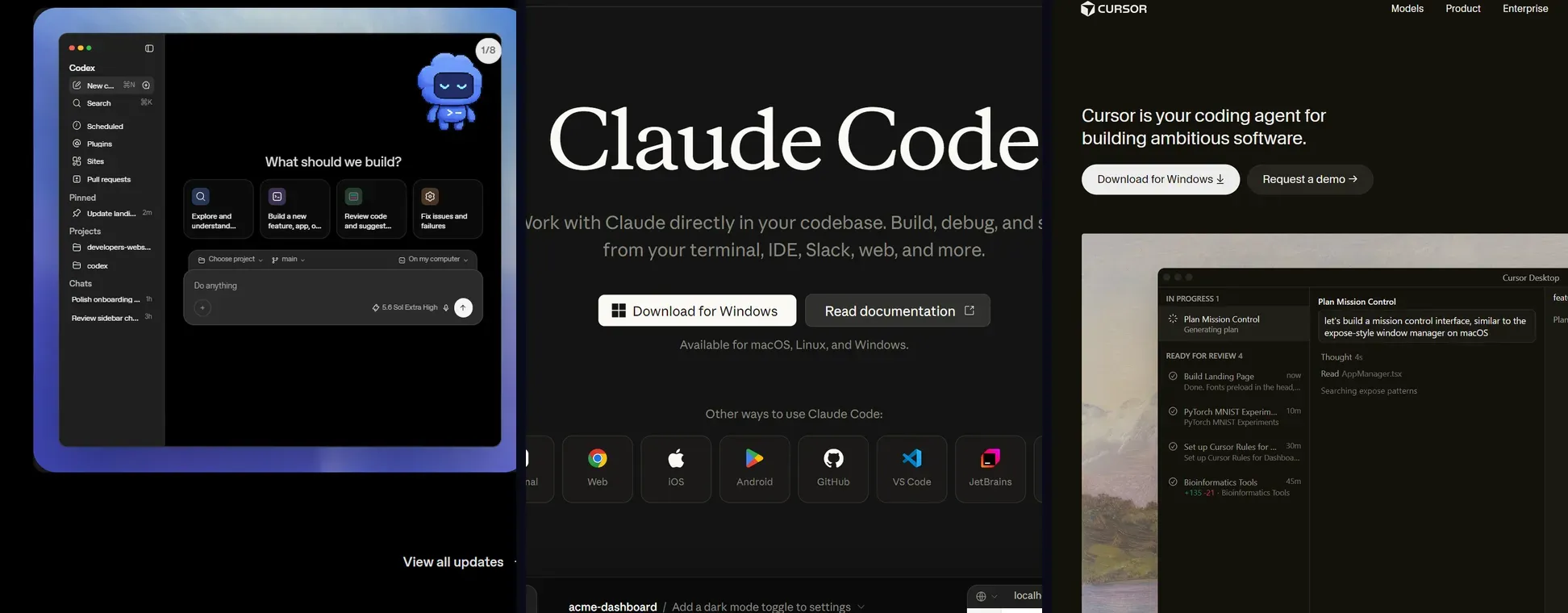
I’ve mostly been using Claude Code because primarily that’s what I’ve been using since I started seeing results. I hear a lot of people love Codex and a lot of people love Cursor.
I use Codex quite frequently, but I’ve stopped using Cursor over the past six months, which in AI time means that I’ve almost entirely skipped some of the most meaningful updates that it’s had.
While depending on your workflow, it might be good to be switching between harnesses all the time.
The better thing is: does the harness that you’re using give you the results that you want, and are you working in it frequently enough so that you know that you are staying up to date?
So yeah, none of these might be the best at any one time, and they can be better for different kinds of work. The only way you’re truly going to know which one is best is if you actually go out and try it.
The harness you know gets better
You can think about all three of them in a way that you can delegate almost all of your coding work to it, if not all of it.
The one benefit that each of them is going to have will be that not only will you get more comfortable using specific ones, but also, depending on how you’ve set up your memory files, your MDs, and what you’ve kind of learned by doing inside of the harness, the harness does get better over time.
When I switch between Codex and Claude Code in the same folder, I’ve noticed that all of my rules still apply to either one of those sessions. I just happen to have way more skills inside of Claude Code and connectors inside of Claude Code than I do in Codex.
And this could just be an observation, but I’ve noticed that while Codex seems to be significantly slower, it can also run for incredibly long periods of time without needing any oversight from you with the proper plan.
Anthropic’s models, at least at the time of this writing, seem to really want to be hand-held, but they do produce outstanding results.
For my workflow, even though I’ve dropped Cursor, I found that doing the implementation with a Claude Code plan (because I have more credits there) is best, and then I do orchestration and planning with Codex. I use OpenAI models for that.
The config wall nobody warns you about
You just need to be cognizant that each tool has its own idea of where your instructions live, and they do not always read each other’s files. They have their preferences, so to speak.
- Codex reads
AGENTS.md, and it layers them: global files from~/.codexfirst, then project files from the git root down to your current directory, with closer files winning (Codex docs). - Claude Code reads
CLAUDE.md. Anthropic’s own docs say it plainly: it does not readAGENTS.md(memory docs). - Cursor reads
.cursor/rules(as.mdcfiles with frontmatter) and also supportsAGENTS.mdin the project root (Cursor docs).
So the move is to keep ONE source of truth in AGENTS.md, which Codex and Cursor read natively, then point Claude Code at it with a one-line import:
# CLAUDE.md
@AGENTS.md

Anything Claude-specific goes below the import.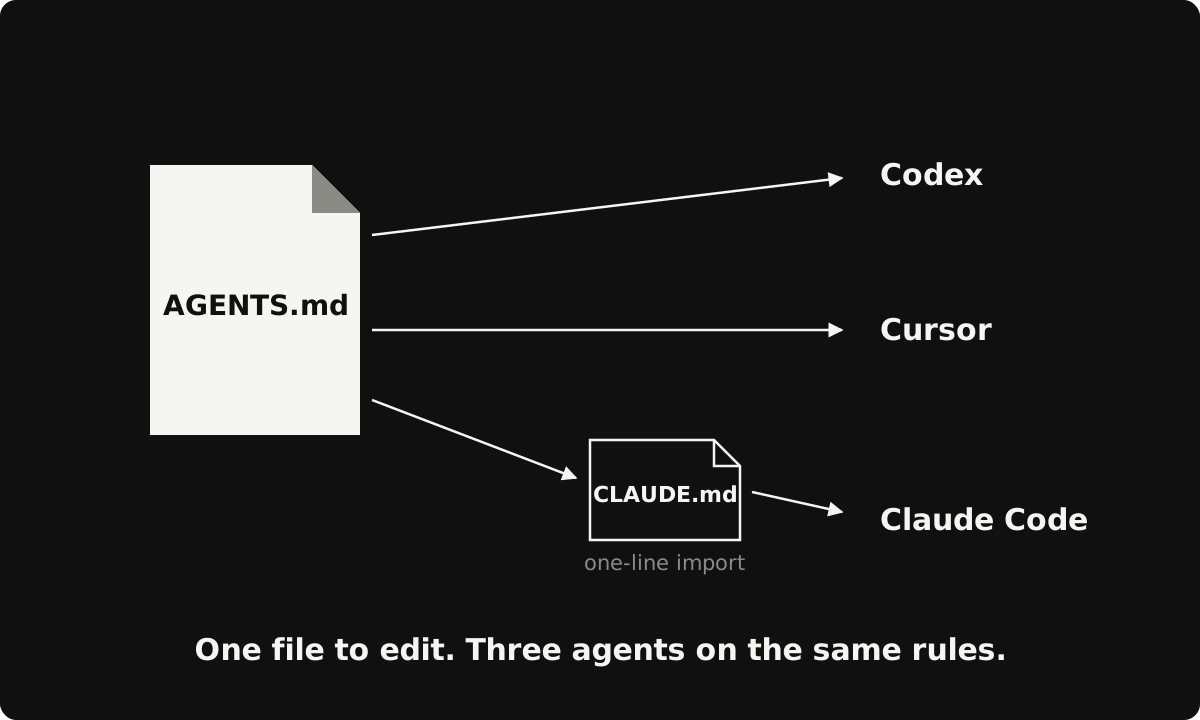
You will see an older trick floating around: symlinking the two files with ln -s AGENTS.md CLAUDE.md. It still works and Anthropic still documents it.
The import is better for two reasons. It lets you add Claude-only rules under the shared set, and it works on Windows, where creating a symlink wants Administrator rights or Developer Mode.
The import is a sticky note that says “go read that file.” The symlink is asking Windows for a building permit.
Claude Code also has an /import command now that copies an AGENTS.md into your CLAUDE.md in one shot (memory docs). That’s a one-time copy, though. The live import above stays my pick, because afterward there is still only one file to edit.
AGENTS.md holds the rules. CLAUDE.md is one line: @AGENTS.md. Every agent reads the same instructions and there is only one file to edit.
A plain .md file dropped into .cursor/rules. Cursor ignores it without frontmatter, and nothing tells you. Your rules just silently stop applying.
What it costs to start
Make sure you check the official pricing pages, but as of writing:
- Codex is included on every ChatGPT plan, including Free, with limited usage at the free tier (Codex pricing). No paid floor at all.
- Claude Code comes with Claude Pro: $17 per month billed annually, $20 billed monthly (Anthropic pricing).
- Cursor Pro is $20 per month, and there is a limited free Hobby tier (Cursor pricing).
Run the comparison yourself
So to recap: one real task from your own backlog, all three tools. Judge them on your work.
- Pick a small real task with a testable outcome. Something you actually need.
- Write the task description once, in one paragraph, and give all three the identical text.
- Set up the shared config first:
AGENTS.mdplus the@AGENTS.mdimport above, so no tool is handicapped by missing instructions. - Note two things per tool: did the result run, and how many times did you have to step in.
- Pick the tool that matched how much you wanted to be involved. That answer is different for different people, and both answers are right.
Where I land
For me, Claude Code is the daily driver and implementor, and I bring Codex in when I want a second pair of eyes and a more detailed plan. I use Gemini to go and critique it when it’s a serious build, and ultimately I call this the model council. I found that it works best for me.
Perplexity even started selling a tool like this. But if you’re willing and determined enough, you can just bounce between the models and the subscriptions that you have.
That won’t work at scale or with something that you’re selling, but for personal use, I find it to be just fine.
Subscribe to being AI native
Join the hundreds of ambitious minds who kickstart their day with the AI world's weirdest, wildest stories and insights.
No recycled headlines. No BS. Just a fun, quick read.